Questions
Does it change my audio files?
No. It works on the clips in your Arrangement, and the original file is never edited. With Render on, it writes a new copy next to it (“name [SS].wav”) and leaves the original alone.
Will my pieces move out of time?
No. Every piece stays on the exact sample it was on in the original clip. Strip doesn't move or stretch anything.
Can I undo it?
Yes. One Cmd-Z puts the original clip back.
Will the cuts click?
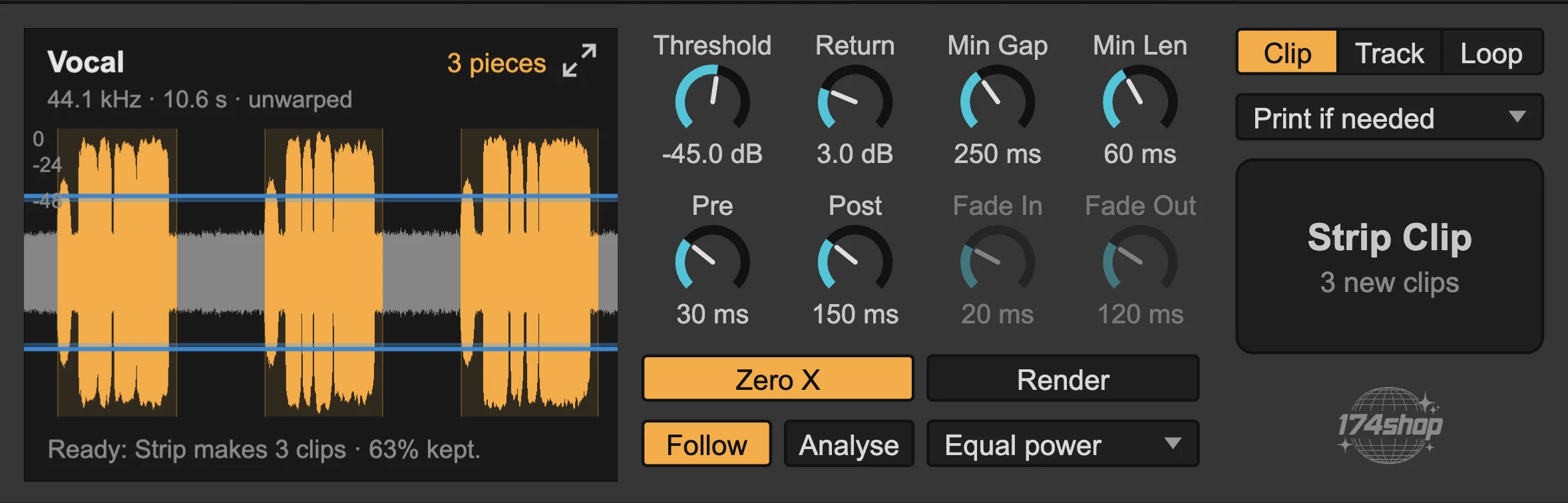
Zero X moves every cut to the nearest zero crossing, so cuts don't click. For smooth edges, turn on Render and set the fade lengths and shape.
Does it work on warped clips?
Yes, warped or not. Clips stretched in Beats, Tones or Texture mode can't be cut exactly from their file, so by default (“Print if needed”) Silence Stripper plays them once in real time and strips the recording. It asks before it does.
Can it do a whole track?
Yes. Strip Track does every audio clip on the device's track. Strip Loop does only the clips inside the loop brace.
Is it AI?
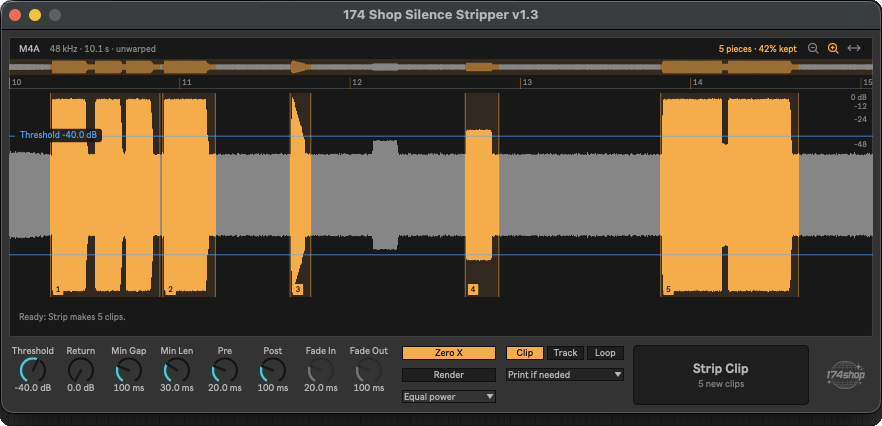
No. It measures the level of your audio, like a gate, and cuts where it falls below your threshold. You see exactly what it will do before you press Strip.
Does it remove noise inside the sound?
No. It removes the gaps between sounds. It isn't a denoiser.
Does it work in Session View or on MIDI?
No. Arrangement audio clips only.
What do I need?
Ableton Live 12 with Max for Live (Live Suite, or Standard with the Max for Live add-on). Built and tested on macOS.
What do I get?
The device file and four presets (Vocal, Drums, Dialogue, Sample Chop), plus every update.
Is it really free?
Yes, until 5 November. Enter 0 at checkout and it's yours. If you'd like to support the developers, enter any amount you like instead.
Why free?
Because Live should have had this years ago. Use it on your own takes, and if it earns a place in your template, pay what you think it's worth.
What happens after 5 November?
Silence Stripper goes to €14. Grab it before then and it's yours to keep, updates included.
Is it a one-time payment?
Yes. €14 once, with every update.
How do I get the download?
Through our checkout, run by Lemon Squeezy. Enter your email, and the download link arrives on screen and in your inbox.